VFA
Vertical Fine Artifacts (VFA) are small surface imperfections that appear on vertical walls, especially near sharp corners or sudden directional changes. These artifacts are typically caused by mechanical vibrations, motor resonance, or rapid directional shifts that impact print quality.
- Mechanical adjustments, such as tuning or replacing motors, belts, or pulleys.
- MMR (Motor Resonance Rippling) is a common subtype of VFA caused by stepper motors vibrating at resonant frequencies, leading to periodic ripples on the surface.
- Jerk/Junction Deviation settings can also contribute to VFA, as they control how the printer handles rapid changes in direction.
- Input Shaping can help mitigate VFA by reducing vibrations during printing.
VFA Test
The VFA Speed Test in OrcaSlicer helps identify which print speeds trigger MRR artifacts. It prints a vertical tower with walls at various angles while progressively increasing the print speed.
- Set the VFA test parameters in OrcaSlicer:

- Speeds: Define your Speed range you want to test. This has to cover the full range of Outer Wall Speeds used in your prints (e.g., 20 mm/s to 200 mm/s).
- Step:: Define the speed increment between each section of the tower (e.g., 10 mm/s).
- Check that Max Volumetric Speed is not limiting your speeds for this material. If it is, use a higher Volumetric Speed Material or recreate the test with a lower max speed.
- Print the VFA test:

- Inspect the tower for MRR artifacts. Look for speeds where the surface becomes visibly smoother or rougher. This allows you to pinpoint problematic speed ranges.
In this example, you can see how the Speed is Capping at 162 mm/s.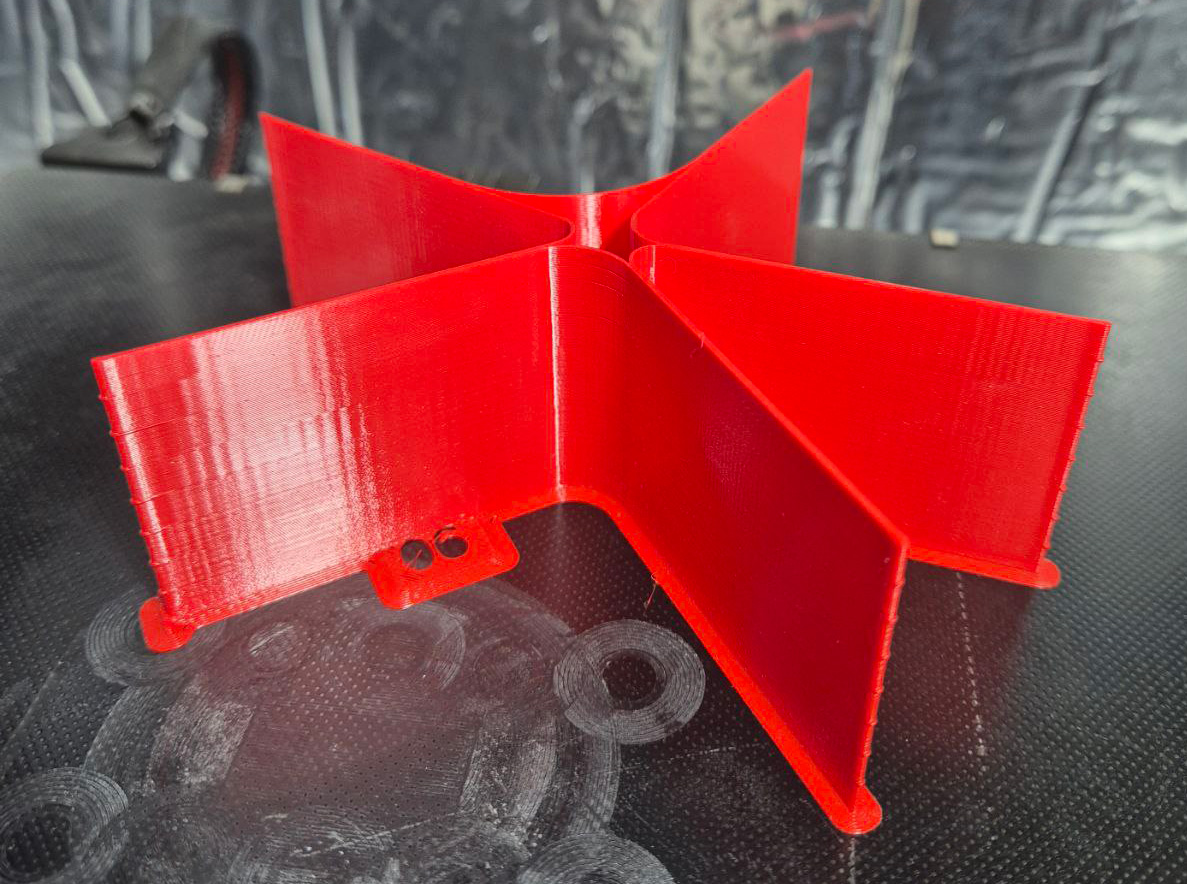
- Configure the Resonance Avoidance Speed Range in the printer profile to skip speeds that cause visible artifacts.
