Transfer or Discard Changes popup dialog
This window appears when switching away from a preset profile that has unsaved changes. There are options to discard, transfer, or save settings. These options apply to preset profile settings, separately from any settings saved in a project 3mf file.
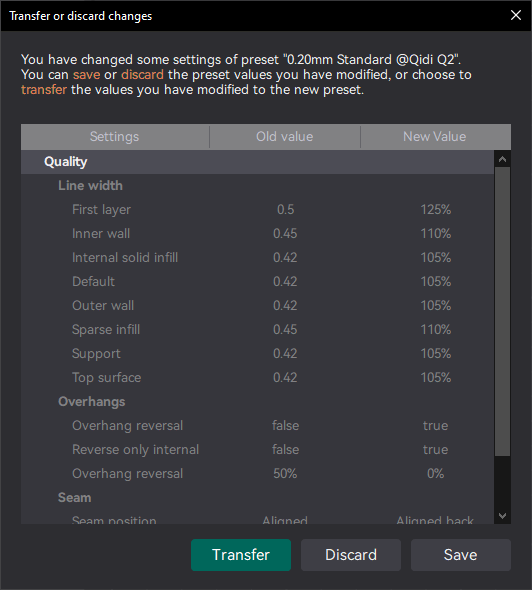
The options are:
- Discard: Switch to the new profile, discarding any changes.
- Transfer: All New Value settings will be applied into the new profile, but not saved as changes in that profile.
- Save: All New Value settings are saved in the previous profile.
A similar dialog pops up when you close OrcaSlicer with unsaved changes. In that case, the Discard and Save buttons have the same function, and there is no Transfer button.
Note
None of these buttons save the current 3mf file; that must be done separately.